CONscripter
★ Play NScripter visual novels on the Web, Windows, Linux, macOS, Android and RetroArch! ★
What is it?
An ONScripter engine for playing NScripter visual novels. It is a fork of ONScripter-Yuri, built on SDL2, and the engine behind chimimouryou's visual novel player and conscripter-convert's output.
Want to try it? Try the demo, a one-minute story made for this site. Or double-click CONscripter on this desktop and open a game folder. The game is read straight from your disk and nothing is uploaded.
Screenshots

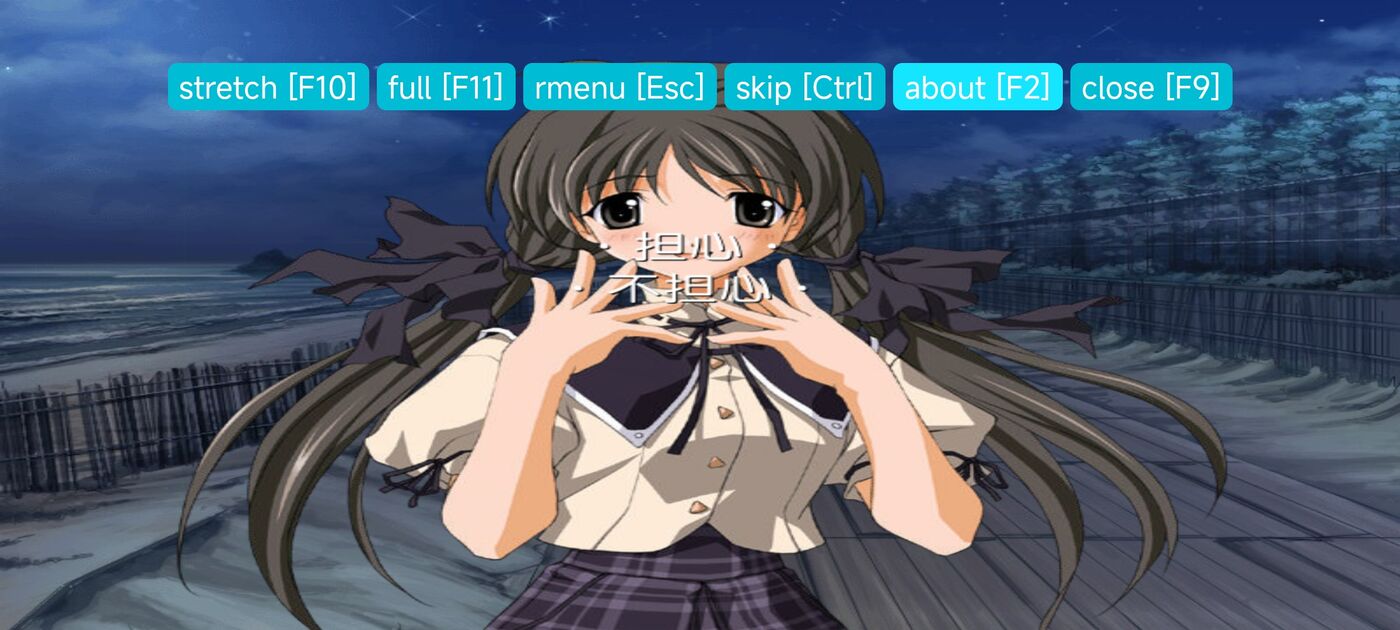
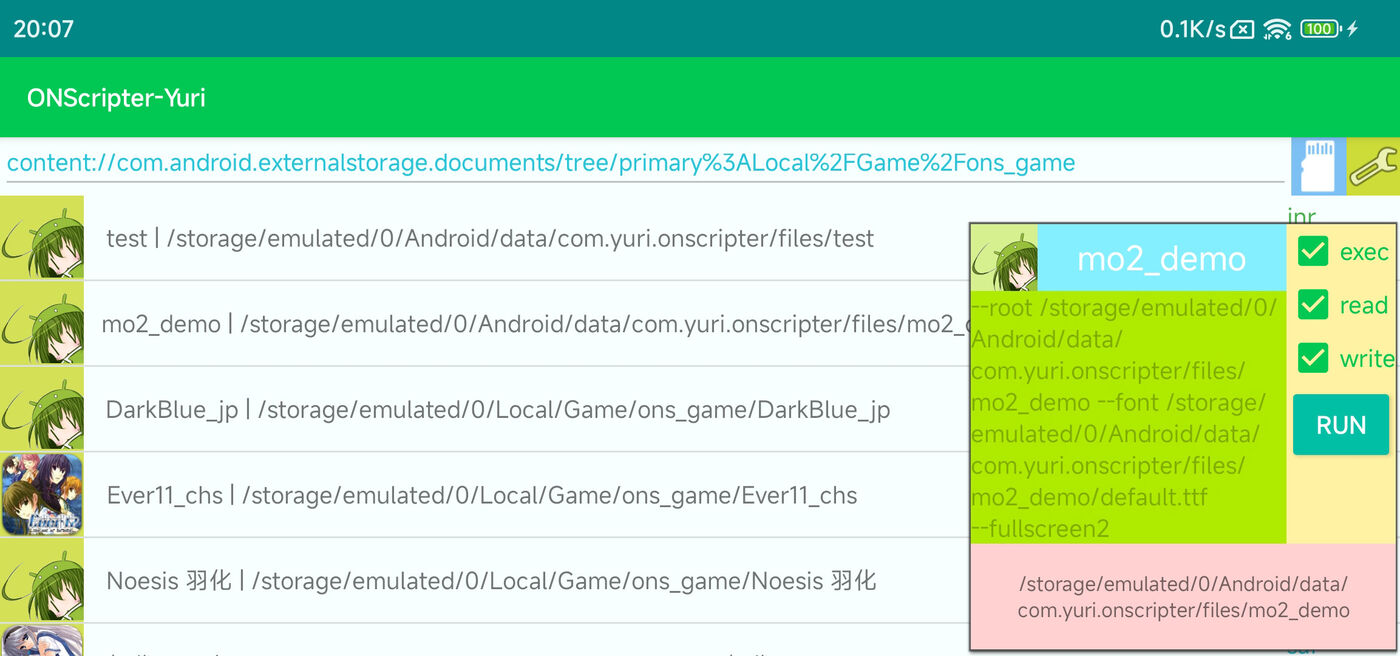
New commands
; night tint on sprite 10
spfilter 10,1,1,256,148,152,200
; darken the whole scene
screenfilter 1,4,0,256,-200:print 10
; slide the new picture in from the right
effect 20,99,800,"cons_slide.dll/0,-1,0"
; shout in bigger text
!z150「ぎゃーっ!!」!z100
Colour filters on sprites and on the whole screen, shakes, ripples and pulses that move while the text goes on, slide, zoom, flip and melt transitions, text sizes, a saved screen stack and more. Every addition is opt-in: scripts that don't use them behave exactly as in ONScripter-Yuri, and the extra state is kept in save files. Every command
Platforms
| Platform | Builds |
|---|---|
| Web | WebAssembly: saves in IndexedDB with zip export, lazy loading, WebP, video |
| Windows | x86, x64, ARM64 |
| Linux | x86, x64, arm, aarch64 |
| macOS | x64, arm64 |
| Android | 5.1 and later |
| RetroArch | libretro core, also Switch, PS Vita, 3DS, Wii U and Miyoo Mini |
| Kobo | e-readers through KOReader (E-ink) |
Text for your web page
The web build hands each page's text, and where each character was drawn, to the page around it. chimimouryou uses this to lay selectable text over the game for Yomitan, in backlogs and choices too.
The page also hears about voices, auto and skip mode, and the text window, and can turn auto mode, skip mode, furigana and text speed on and off.
Bug hunting
--auto-play plays a game through by itself, and --trace writes what is on screen at every page, the choices made, missing files and script errors. A checker reads the trace and lists what looks wrong, and an explorer replays the game until it has reached every route.
How to use them
Help wanted
Found a bug or a game that won't run? Open issues are the place to look or to report one, and DEBUG.md shows how to attach a trace.